Clever Dog Wireless Smart WiFi Home Security Camera 1080p Upgraded - Grey
Clever Dog is an easy-to-install smart device which supports WiFi that will enable you to monitor the goings on at your home, business, office, or anywhere that you want to watch remotely. Full-duplex speech helps keep you connected with loved ones Supports full-duplex speech, allowing you to communicate and connect with your family so you can see and speak to them whenever you like. Motion detection and real-time alarm Supports motion detection and auto-captures dynamic images. It would transfer the alarm message to your smartphone or tablet if the Clever Dog judged that your property was being invaded. Intelligent video recording for quick reviewing Supports auto-recording, and can quickly locate pictures by timeline. Share exciting moments with friends and family It supports video picture capture, so you can share exciting moments with your friends and family. Secure and convenient with P2P services Deploying P2P technology, the Clever Dog can establish a direct connection between smartphones and the camera. Up to 128GB Offline Storage Storage: Support 128GB Class 10 Micro SD cards Generally speaking, 128GB micro SD card could save and store up-to 1000 minutes video and 60.000 photos. Featured in The Guardian Article of Top 30 Gadgets under £30 Specification WIFI: Supports IEEE8012.11b/g Power: DC 5V, 500mA, Micro USB port cable Size: 85x85x110mm Video: Code: H.264, Resolution 1920x1080P@15pfs 2MP HD Night Vision: Built-in photographic lenses, automatically enabled infrared LED under low illumination Storage: Supports Micro SD card, maximum capacity 128GB Note: this is the WiFi version and does not support 3G or 4G. The majority of home networks are running on 2.4GHz. The Clever Dog will work with all home network routers using 2.4GHz wireless frequency. If you are using a 5GHz router then you will need to set up another network using a 2.4GHz frequency. Box Contents: 1 x Cleverdog camera 1 x 5ft (Approx) USB power cable 1 x Mounting base for camera 1 x Pack of 3 wall plugs and screws for securing to a wall Technical Usage Tips Easy to Install 1. Download the Mobile App: Search for Clever Dog on the Apple Store or Google Play. 2. Ensure the camera is connected to a USB port or a USB Wall Plug. 3. Open the App and create an account. Then click on the + to add your device. 4. Press the camera icon, then you will be instructed to pair the camera: press the button at the front of the camera and hold for a few seconds, the red light will go out and then a blue flashing light will appear. 5. Follow the on screen instructions, you will be asked for your Wifi Password. Pairing will take under a minute. Full instructions are included. View files on your PC You can download the latest Clever Dog software and instruction manual using the link below: Clever Dog Software and Manual After you have run the program, set up and opened it you can take the MicroSD card out of the camera and put it in your PC via a card reader. Do not format the microSD card as you will be exporting the files by using the Clever Dog Windows software! In the Clever Dog program on your PC, click menu and then export video, then right click on the files to begin exporting. After this is complete, click menu and then settings you can then open the files for photo or video. Clever Dog Camera Software Update The Clever Dog Camera may occasionally need a software update. You may see that the WiFi settings have connected to the camera, but the app shows that it is not connected. Go back to the homepage add click the + icon to add a new device. You will then be prompted to update the software, click yes and then follow the on screen instructions. Please note: Product is supplied with a USB cable only. USB plug is sold separately. iPhone 4/4s Users Since upgrading to IOS 9.2.1 some people may find that they are unable to connect to the Clever Dog camera. The following procedure has resolved the issue and is very easy to do. The first thing iPhone 4s users will want to try is resetting network settings. To do this, open up the iPhone 4s and head to Settings > General > Reset > Reset Network Settings. You will need the passcode for the iPhone. Be aware that this may take a few minutes because the phone is going to reboot itself to complete the changes. Those of you performing this fix will also want to track down commonly used WiFi passwords because this process will force you to enter them once it completes. If that does not fix things, iPhone 4s users can also try turning off WiFi Networking. To do that, head to Settings > Privacy > Location Services > System Services. Toggle them off and reboot the phone. Once it is rebooted, there is a chance WiFi will be functioning normally again. A similar procedure should also solve connection problems with other devices, just google search \'Reset Network Settings / Turning off WiFi Networking\' for your device. Memory Card Support Some customers may find that a memory card is not detected. What you can try is to delete the Clever Dog from your device, then re-add it with the memory card already inserted. Or you may find that the card is detected but the camera keeps going offline. Again delete the camera and re-add it. The camera should now be online and you will be able to also check the history of recorded data on the memory card. Not compatible for Windows phones Related Articles Clever Dog Smart Camera WiFi Monitor Troubleshooting Videos: How to Upload and Install the Clever Dog Camera Installing Clever Dog app on iPhone How to Download the Clever Dog app from Google Play Clever Dog FAQ\'s
£24.99

Similar Deals
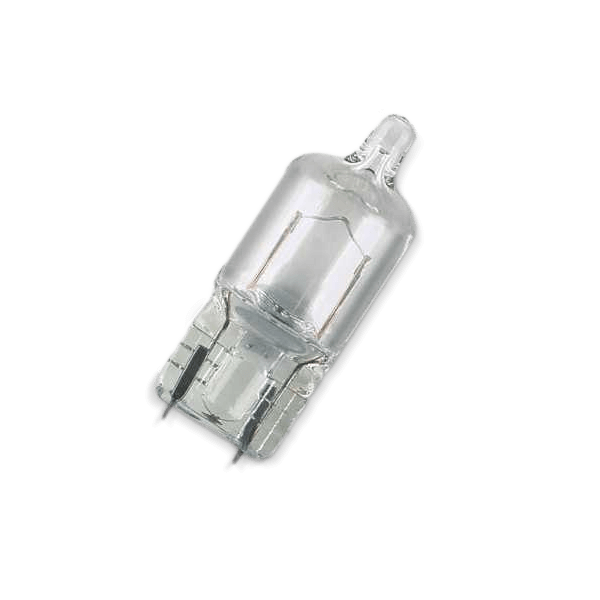
BOSCH Light Bulbs VW,AUDI,MERCEDES-BENZ 1 987 302 210 Bulb, licence plate light
£0.84
From AUTODOC
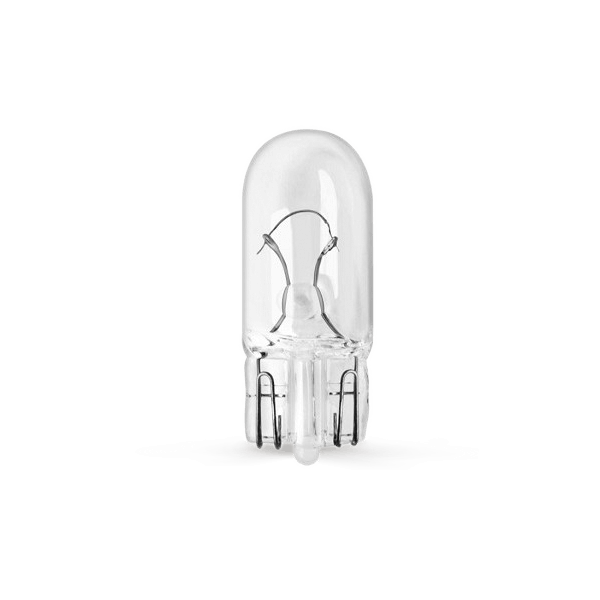
BOSCH Light Bulbs VW,AUDI,MERCEDES-BENZ 1 987 302 251 Bulb, indicator
£2.18
From AUTODOC
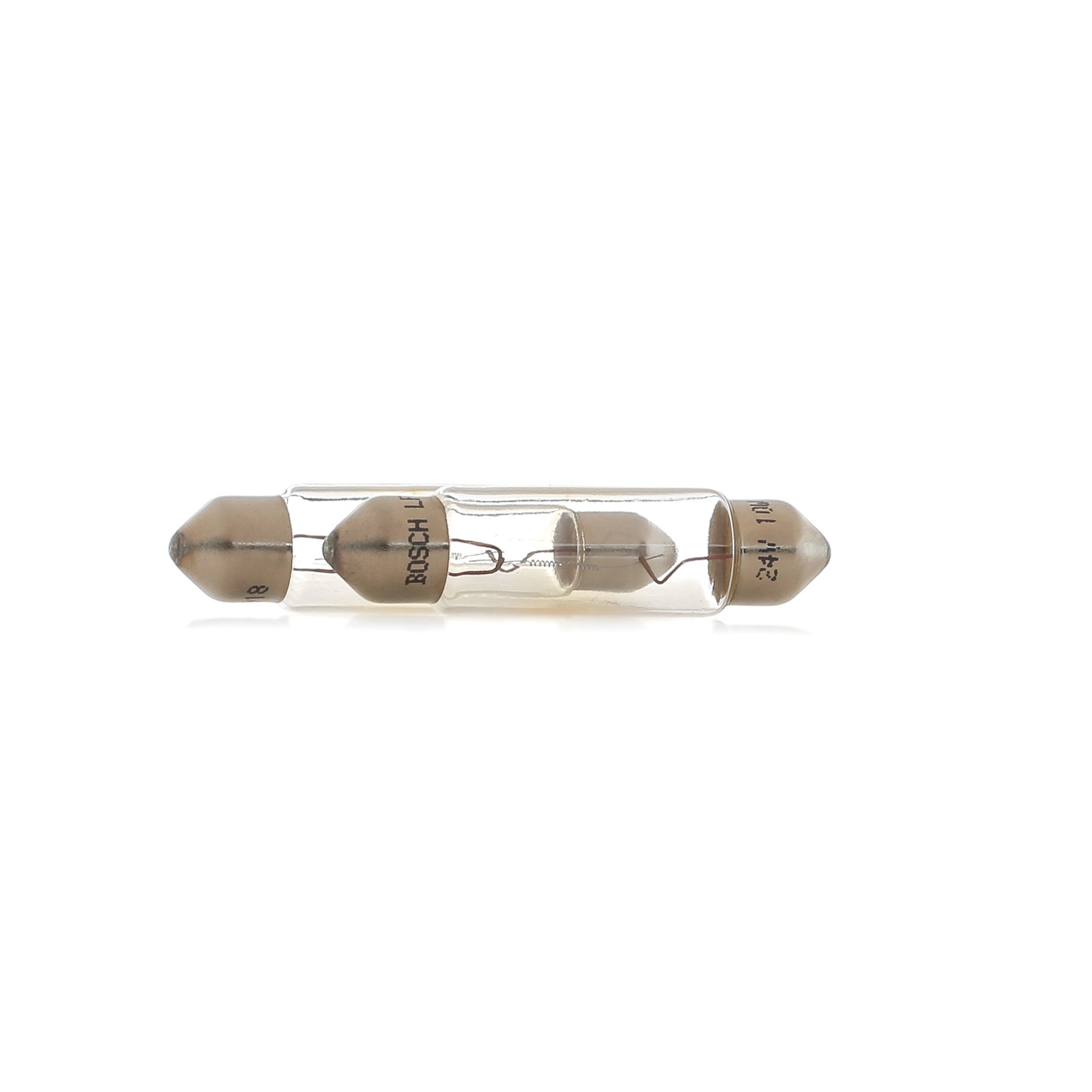
BOSCH Bulb 1 987 302 521
£1.61
From AUTODOC
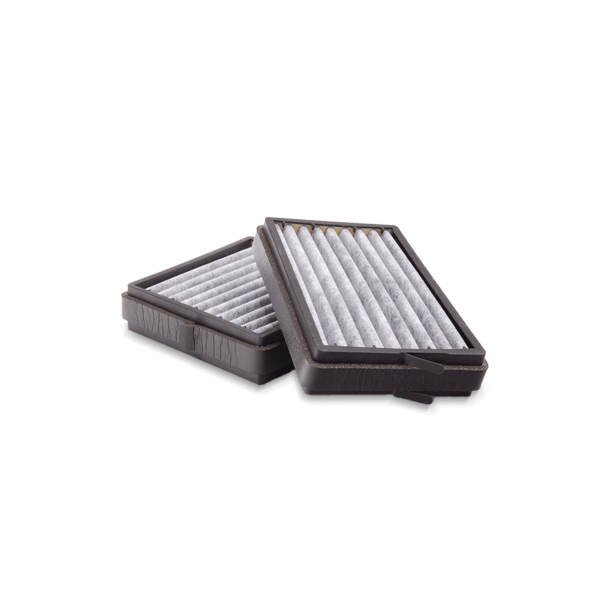
BOSCH Air filter FORD,NISSAN,SUBARU 1 987 429 051 71750719,1112655,5025071 Engine air filter,Engine ...
£6.83
From AUTODOC

BOSCH Pollen filter MERCEDES-BENZ,CHRYSLER 1 987 432 001 05101438AA,05101439AA,5101438AA 5101439AA,71775179,K05101439 ...
£10.40
From AUTODOC
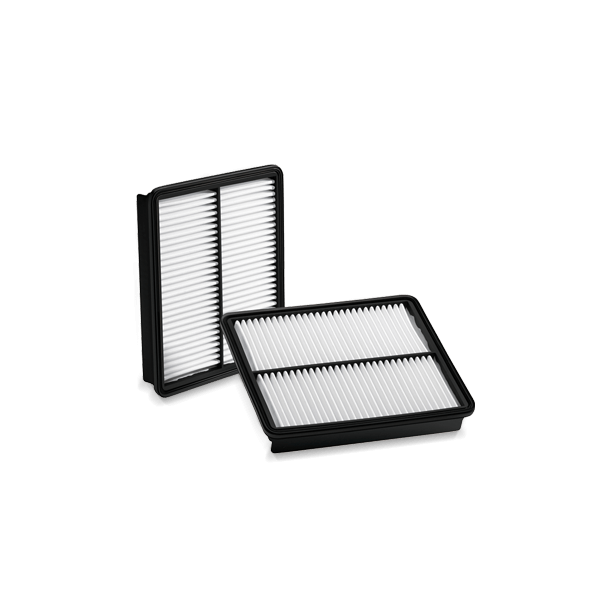
BOSCH Pollen filter OPEL,SUZUKI,SUBARU 1 987 432 066 09207486,09196805,4705463 4708106,9196805,93188572,9586078F10,9586078F00,9586078F000,9586078F10
£9.74
From AUTODOC
BOSCH Pollen filter AUDI,SEAT 1 987 432 071 8E0819439,8E0819439,8E0819439 8E0819439
£8.98
From AUTODOC
BOSCH Pollen filter OPEL,FIAT,SAAB 1 987 432 076 90535131,90535132,9201440 93172299,2S6016N619AA,09179904,90535131,90535132,9179904,9201440,9201440
£8.50
From AUTODOC