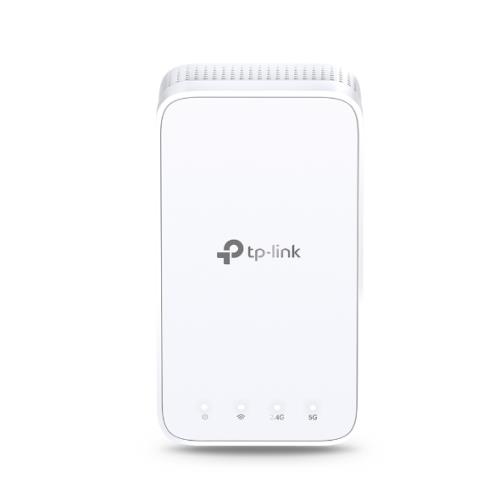
TP-LINK AC750 WI-FI RANGE EXTENDER White 10 100 Mbit/s
AC750 Wi-Fi Range Extender Boost Wi-Fi Coverage - Eliminate Wi-Fi dead zones with powerful Wi-Fi. AC750 Dual-Band Wi-Fi - Simultaneous 300 Mbps on 2.4GHz + 433 Mbps on 5GHz Fast Ethernet port - Act as a wireless adapter to connect a wired device to your network Intelligent Signal Light - Help to find the best location for optimal Wi-Fi coverage by showing the signal strength AP Mode - Create a new Wi-Fi access point to enhance your wired network with Wi-Fi capability TP-Link Tether App - Easily access and manage your network using any iOS or Android mobile device Ultimate Compatibility - Extend the range of any Wi-Fi router or wireless access point Keep the Whole Home Connected RE230 wirelessly connects to your Wi-Fi router strengthening and expanding its signal into areas it can't reach on its own. With speeds of up to 300 Mbps on 2.4 GHz and 433 Mbps on 5 GHz put strong fast Wi-Fi in every room and say goodbye to dead zones. TP-Link OneMesh OneMesh is a simple way to form a Mesh network with a single Wi-Fi name for seamless whole-home coverage. Just connect a OneMesh range extender to a OneMesh router. No more searching around for a stable connection. Smart Roaming - Uninterrupted streaming when moving around your home Extender One Wi-Fi Name - No more switching Wi-Fi network names Easy Creation - OneMesh Router + OneMesh Range Extender Unified Management - Manage the whole unified network all in one Tether app Enjoy a Mesh Network with Your Existing Router Want a Mesh network? Hesitate on whether to replace your existing router and buy a Mesh set? TP-Link OneMesh resolves your dilemma. 1. Update your existing TP-Link router's firmware to OneMesh version-no need to replace it.2Connect the RE230 to the router.3Enjoy the Mesh network. Secure One-Touch Connection for Easy Setup Step 1: Simply press the WPS button on your router and within 2 minutes the WPS button on RE230 to connect to the network. Step 2: Once connected place RE230 to the best location-without reconfiguration. Find the Best Location with the Smart Signal Indicator The smart signal indicator lets you see signal strength from the existing router at a glance. Easily to find the best place to position your range extender to extend your Wi-Fi. Feature-Rich App for Control in Your Hands Set up and manage your Wi-Fi through the TP-Link Tether app from your smartphone (Android iOS) including TP-Link routers and range extenders.
£36.16

Similar Deals
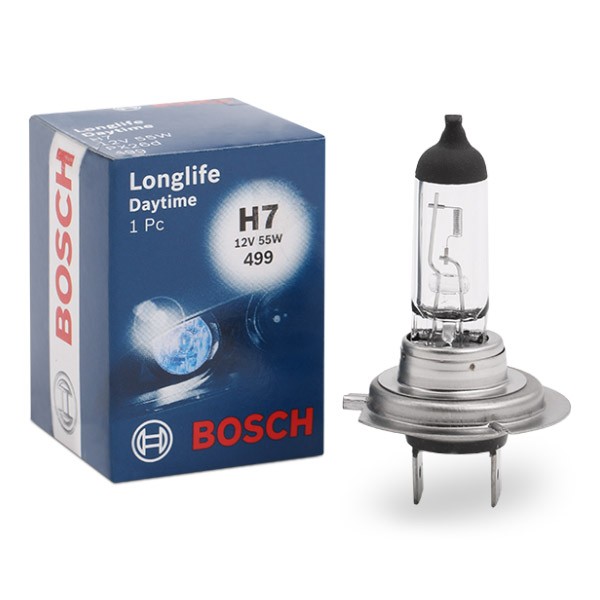
BOSCH Light Bulbs VW,AUDI,MERCEDES-BENZ 1 987 302 078 Bulb, spotlight
£4.30
From AUTODOC
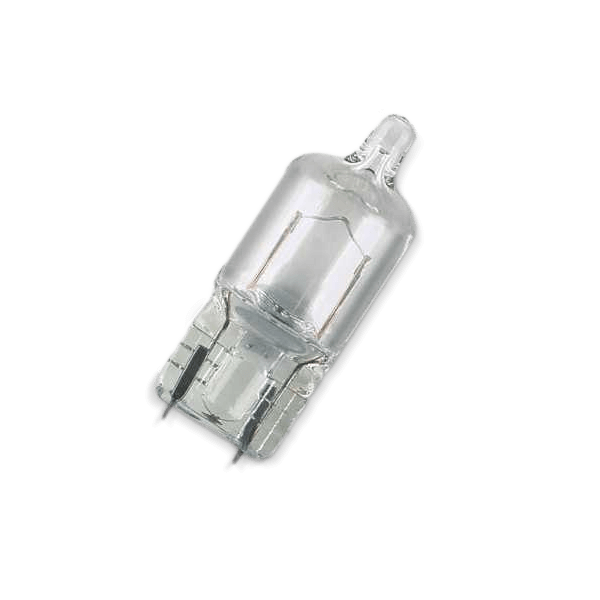
BOSCH Light Bulbs VW,AUDI,MERCEDES-BENZ 1 987 302 210 Bulb, licence plate light
£0.84
From AUTODOC
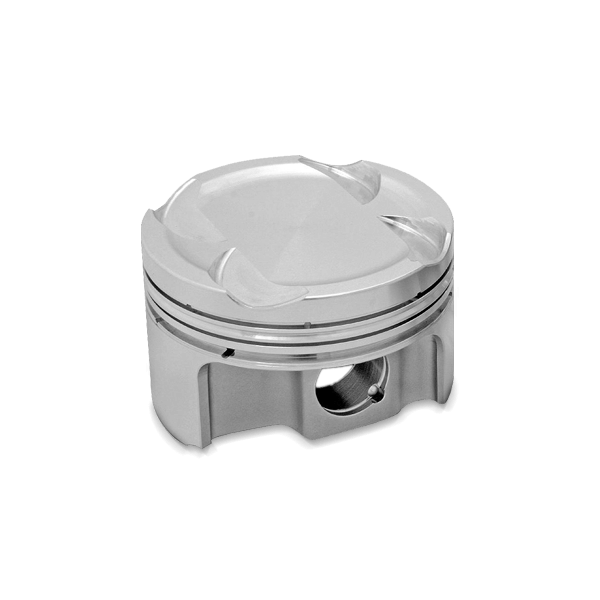
IPSA Piston VW,SKODA,SEAT PI075500 03C107065BF,03C107065CK ...
£63.14
From AUTODOC
BOSCH Air filter JEEP 1 987 429 189 05018777AA,05018777AB,5018777AA Engine air filter, ...
£10.38
From AUTODOC
BOSCH Air filter OPEL,SAAB,CADILLAC 1 987 429 193 93185452,55557597,12786800 Engine air filter,Engine ...
£10.58
From AUTODOC
BOSCH Pollen filter VW,AUDI 1 987 432 017 893091400A,12489486,893091400A 893091700,893819439,8A0819439,8A0819439A
£7.81
From AUTODOC
BOSCH Pollen filter FORD 1 987 432 045 1062253,1121106,1585195 TAMT16N619F2CS,XS4H16 ...
£8.63
From AUTODOC
BOSCH Pollen filter VOLVO 1 987 432 064 30630752,30630754,30676413 9171756,9204626,92046267
£11.84
From AUTODOC