ASUS Prime Z690-A Intel Socket 1700 ATX DDR4 Motherboard
ASUS Prime series motherboards are expertly engineered to unleash the full potential of 12th Generation Intel® processors. Boasting a robust power design, comprehensive cooling solutions and intelligent tuning options, Prime Z690-A provides users and PC DIY builders a range of performance tuning options via intuitive software and firmware features. ASUS Prime Z690-A offers a sleek, futuristic-looking build with a black and white finish, space-shuttle-inspired design elements, metallic nameplate and PCB cover. FLEXIBILITY Comprehensive controls form the foundation of the ASUS Prime series. The Prime Z690 motherboard packs flexible tools to tune every aspect of your system, enabling performance tweaks to perfectly match the way you work to maximize productivity. 5-Way Optimization ASUS 5-Way Optimization makes your PC smart. Along with taking care of complex tuning and dynamically optimizing essential aspects of your system, it provides overclocking profiles that are tailored for your rig. Easy Optimization is an automated tuning utility that enhances overclocking and cooling profiles for your unique system configuration. A stress test feature allows you to optimize and overclock for CPU- or memory-centric workloads. TPU CPU Performance Boost The TurboV Processing Unit (TPU) is an intelligent system-tuning utility that automatically fine-tunes voltages, monitors system stats and adjusts overclocking parameters for optimal performance. EPU All-Around Energy Efficiency The Energy Processing Unit (EPU) automatically optimizes power consumption and maximizes energy savings with Away mode — a smart setting that creates an extreme energy-saving scenario by shutting down unused I/O controllers. Fan Xpert 4 Flexible Air- and Liquid-Cooling Controls ASUS Fan Xpert 4 software provides comprehensive control over fans, water pumps and all-in-one (AiO) coolers. Whether cooling with air or water, an Auto-Tuning mode intelligently configures all parameters with a single click. There’s also an Extreme Quiet mode that reduces all fan speeds to below the default minimum to keep your system whisper-quiet when performing light tasks. Fans, water pumps and AiO coolers can also be controlled via the UEFI BIOS. Digi VRM Control Precise Digital Power Control The Digi voltage-regulator module (VRM) delivers real-time control over voltage droop, automatically switching frequency and power-efficiency settings. It also allows you to fine-tune your CPU for ultimate stability and performance. Turbo App App-Specific Optimization Turbo App allows you to define CPU overclocking, apply fan profiles, prioritize network data and optimize audio settings at the app level, so your system is set up exactly as needed. AI Overclocking ASUS AI Overclocking ASUS AI Overclocking is an intelligent utility that helps you get the most out of your build by automatically profiling your CPU and cooling system to predict optimal voltage and frequency settings. Accessible via the AI Suite software in Windows or directly through the UEFI, the intuitive AI Overclocking user interface enables users of all levels. A range of customizable settings are available for seasoned overclockers, and an auto-tuning option is available for beginners. AI Overclocking at a Glance Designed by Experts At the heart of AI Overclocking is a proprietary algorithm developed by ROG R&D engineers who worked with world-renowned overclockers to create a tool for users of all levels. Predictive Edge The algorithm analyzes your CPU and cooling system and, based on what it finds, predicts optimal settings. The software then uses these settings to automatically guide the clocking process, balancing frequency and voltage. Real-Time Adjustments The software monitors workload, system temperature, fan speed and power draw every minute and it makes real-time adjustments to ensure ongoing optimal performance. AI Overclocking in AI Suite Onboard intelligence offers automated overclocking with full, flexible control available via Easy Optimization within AI Suite (in Windows). AI Overclocking Guide The AI Overclocking Guide provides detailed information and instructions about how to tune your system manually. It can be accessed by hitting the F11 hotkey. Core Group Loading For high-core-count processors, AI Overclocking lists data according to core group. This gives you adaptive control based on the status of core groups, and it provides target frequency and voltage estimations needed for manual tuning. AI Cooling ASUS AI Cooling function will automatically manage and control motherboard-connected fans to ensure optimal settings based on current system load and temperature. Self-Adaptive Fan Tuning CPU Temperature Detection AI Cooling detects CPU temperatures and uses a proprietary algorithm to calculate the lowest fan speed required to effectively cool the system and keep fan noise down. Automated Optimization Under stable system loads, the software then automatically lowers fan* speed to the optimal setting, decreasing fan noise without compromising performance. *Fans need to be connected to the following headers for AI Cooling control: CPU_FAN / CPU_OPT / CHA_FAN / W_PUMP / AIO Pump Ongoing Monitoring AI Cooling continues to monitor the system and adjust fan speed based on current load. Automatic Tuning One-Click Activation AI Cooling can easily be activated via the Fan Xpert 4 dashboard in Armoury Crate. Once activated, it will override all manual controls. Manual Tuning Fan Speed References For those who prefer manual control, AI Cooling provides reference points on a graph that details fan speed in relation to temperature, providing a guide for fan settings. UEFI BIOS The renowned ASUS UEFI BIOS provides everything you need to configure, tweak and tune your system. It offers intelligently simplified options for PC DIY beginners, as well as comprehensive features for seasoned veterans. Advanced Mode Advanced Tuning for Serious Tweakers An intuitive Advanced mode offered via the UEFI lets you take complete control. A built-in search feature makes it easy to find options, and various advanced functions let you intelligently make nuanced adjustments so you can dial in performance just the way you want. MemTest86 - This memory testing software is pre-installed into the UEFI BIOS and lets you pinpoint memory issues with just one click, without the need for a USB stick or going into the OS. It stores the memory report in the BIOS archives for reference. Prediction - AI Overclocking monitors system vitals such as temperature, fan speed, and power draw to estimate overclocking performance. AI Overclocking Guide - Refer to the guide offered in the UEFI BIOS for step-by-step instructions detailing how to use AI Overclocking. Search Function - Quickly and easily find the option or setting you need. ASUS User Profile - Port configuration settings between different BIOS versions or share them with friends. FlexKey - Remap the reset button on the chassis to toggle Aura lighting, activate the DirectKey to go straight to the UEFI BIOS, or reset the system. EZ Mode Quick and Simple Setup EZ mode displays vital settings and stats and also offers guided wizards, drag-and-drop functionality, and one-click application of important settings — all to help you get your rig up and running in no time. AI Overclocking - Enable AI Overclocking via a shortcut. Intuitive Graphical Fan Control - Fine-tune individual fan settings simply by dragging a curve with the mouse. Aura On/Off Mode (Stealth) - Easily enable or disable Aura RGB lighting or every onboard LED, for a subdued aesthetic touch. COOLING Prime Z690 series is engineered with multiple onboard heatsinks and an array of hybrid fan headers to ensure your rig stays cool and stable under intense workloads. Heatsinks M.2 Heatsink Two M.2 heatsinks take care of the three M.2 slots, warding off throttling that can occur with M.2 storage during sustained transfers. Removable captive screws reduce risk of drops or loss during heatsink removal. VRM Heatsink VRM Heatsink and Thermal Pads The two VRM heatsinks on Prime Z690-A are significantly larger than those found on earlier Z590 motherboards. Together with the thermal pads, they improve heat transfer from the MOSFETs and chokes for better cooling performance. M.2 Backplate An M.2 backplate helps ensure that high-performance drives deliver peak performance, even when airflow is restricted. The backplate includes the Q-Latch mechanism to allow you to secure or remove an M.2 SSD without the need for traditional screws. Cooler by Design Prime Z690 series features comprehensive cooling controls that are configurable via Fan Xpert 4 software or via the UEFI BIOS. Multiple Temperature Sources - Each header can dynamically reference three thermal sensors. Fan Xpert 4 allows you to map the temperature of supported ASUS graphics cards to optimize cooling for GPU- and CPU-intensive tasks. Dual-Pump Headers - A dedicated header supplies over 3 amps* for high-performance PWM or DC water pumps, plus a second dedicated header for AIOs. *AIO Pump header supports 1 amp, and Water Pump header supports 3 amps. Smart Protection - A dedicated integrated circuit protects each fan header from overheating and overcurrent. 4-Pin PWM/DC Fan - Each onboard header supports auto-detection of PWM or DC fans. PERFORMANCE Prime Z690 series is built to handle the additional cores and increased bandwidth of 12th Generation Intel® processors. ASUS Z690 motherboards provide all the fundamentals to boost daily productivity, so your system will be ready for action with stable power, intuitive cooling and flexible transfer options. Power Design Robust Power Design Stable power is essential to extract every last bit of performance out of 12th Generation Intel® processors. Prime Z690-A is geared to cater to the demands of these high-core-count CPUs. ProCool Connectors Proprietary connectors augment the motherboards link to the PSU with 8 8 pin connectors that pass 12 volts of power directly to the processors. Each jack features solid pins that can handle more current than hollow-pin connectors. 16 1 DrMOS A VRM with 16 1 DrMOS delivers the power and efficiency that the latest Intel processors demand. Memory DDR5 DDR5 Performance Enhancement Prime Z690-A enhances DDR5 performance by providing overclocking options for not only high-speed kits, but even entry-level memory modules that have a locked power management IC (PMIC). A dedicated circuit on the motherboard safely circumvents DDR5 memory PMIC restrictions, allowing you to step past the default 1.1-volt limit and push frequency and timings to the max. Ordinarily, a restricted PMIC that has been unlocked requires the system to be fully power-cycled each time memory voltage is adjusted. Prime Z690-A leverages onboard hardware and firmware to cleverly work around this irksome limitation, enabling voltage adjustments to be applied through the same soft system-reset process employed for previous generations of DDR memory. For users new to memory overclocking, Prime Z690-A includes the exclusive ASUS Enhanced Memory Profile (AEMP) firmware feature for PMIC-restricted memory modules. AEMP automatically detects the memory chips on your kit and then presents optimized frequency, timing and voltage profiles that you can effortlessly apply to unleash performance. OptiMem II ASUS OptiMem II Revisions to the motherboard’s trace routing provide the latest Intel processors with unrestricted access to memory bandwidth. ASUS OptiMem II technology carefully maps memory signal pathways across different PCB layers to reduce vias and adds shielding zones that significantly reduce crosstalk. Benefits of ASUS OptiMem II: Improved memory stability and compatibility Allows lower memory latencies at equivalent voltages Improved memory frequency margin Motherboards with OptiMem II technology were tested with Synopsys HSPICE simulation software Storage Four M.2 Slots (Up to 64 Gbps) Prime Z690-A offers a total of four M.2 slots that support data-transfer speeds of up to 64 Gbps via PCIe® 4.0, enabling quicker boot-up and app load times with OS or application drives. * Actual transmission speeds will be lower than the theoretical maximum speed. Connectivity PCIe® 5.0 PCIe® 5.0 Slot The 12th Gen Intel processors bring PCIe 5.0 support to the market. PCIe 5.0 offers twice the data transfer speed of PCIe 4.0, making it robust enough to handle new data-heavy tasks. PCIe 5.0 also brings other benefits, such as electrical changes to improve signal integrity, backward-compatible CEM connectors for add-in cards, and backward compatibility with previous versions of PCI Express. USB 3.2 Gen 2x2 Type-C® USB 3.2 Gen 2x2 Type-C® Numerous USB ports support high-end rigs loaded with peripherals, including both front and rear USB Type-C® connectors with fast USB 3.2 Gen 2x2 for transmission speeds of up to 20 Gbps. Thunderbolt™ 4 Support Thunderbolt™4 Support Prime Z690-A features Thunderbolt™ 4 support via an on-board header. With the latest Intel-certified ASUS ThunderboltEX 4 add-on card, it can enable bi-directional speeds of up to 40 Gbps on a single cable. Additionally, this card has a daisy-chain function for multi-screen connection and supports up to an 8K resolution display. It can also provide up to 100 watts of power to fast-charge devices. Intel® 2.5 Gb Ethernet Intel® 2.5 Gb Ethernet Intel® Ethernet Connection I225-V reduces CPU overhead and offers exceptionally high TCP and UDP throughput for faster, smoother data transfer. Lower CPU workload High TCP and UDP throughput LANGuard ASUS LANGuard is a hardware-level network protection feature that integrates advanced signal-coupling technology and premium anti-EMI surface-mounted capacitors to improve throughput and ensure a more reliable connection. CUSTOMIZATION Prime Z690 series adds the nuanced details that improve every experience, from exclusive codecs that provide pristine audio quality to intuitive RGB lighting controls that let you customize your system to create a uniquely personal look. Audio Two-Way AI Noise Cancelation Two-Way AI Noise Cancelation This utility leverages a massive deep-learning database to reduce background noise from the microphone and incoming audio, while preserving vocals at the same time. This removes distracting keyboard clatter, mouse clicks and other ambient noises so you can hear and be heard with crystal clarity while gaming or in calls. Exclusive Codec Realtek Codec and Unique Design Features for Pristine, Powerful Audio Prime Z690-A utilizes a unique audio codec designed in close collaboration with Realtek — the Realtek S1220A. It also features an unprecedented 120 dB signal-to-noise (SNR) ratio for the stereo line out and a 113 dB SNR for the line in, providing pristine audio quality. Additionally, an impedance-sensing circuit automatically adjusts gain to ensure an optimal volume range for your headphones. DTS:X® Ultra adds a spatial audio feature to boost headphones and speakers for enhanced gaming, VR and extended-reality experiences. DTS:X Ultra supports sound based on channels, scenes, and objects to allow for deeper sonic immersion in enabled content. It also provides post-processing enhancements and device-level tuning for DTS® codecs. Crystal Sound 3 Flawless Audio that Immerses You in the Game Power Pre-Regulator - Reduces power-input noise to ensure consistent performance Audio Shielding - Separates analog/digital signal domains, significantly reducing multi-lateral interference Separate Layers for Left and Right Tracks - Ensures minimal crosstalk between audio paths Integrated Amplifier - Capable of driving high-impedance headphones, without rolling-off high or low frequencies De-Pop Circuit - Reduces start-up popping noise to all audio outputs Premium Audio Capacitors - Premium parts provide a sound signature with exceptional fidelity Personalization Aura Sync Aura Sync Outshine the Competition A well-tuned enthusiast system deserves a matching aesthetic. ASUS Aura offers full RGB lighting control with a variety of functional presets for the built-in RGB LEDs as well as strips and devices connected to the onboard RGB headers — and it can all be synced with an ever-growing portfolio of Aura-capable hardware. Addressable Gen 2 RGB Header Addressable Gen 2 RGB Header Three addressable Gen 2 RGB headers are capable of detecting the number of LEDs on second-gen addressable RGB devices, allowing the software to automatically tailor lighting effects to specific devices. The new headers also offer backward-compatibility with existing Aura RGB gear. Armoury Crate Armoury Crate Armoury Crate is a new software utility designed to give you centralized control of supported products. From a single intuitive interface, Armoury Crate allows you to easily customize RGB lighting and effects for every compatible device in your arsenal. The software also provides control of settings for an ever-growing number of ASUS products, including keyboard and mouse preferences. Armoury Crate even features dedicated product registration and news to help you stay in touch with the ASUS community. DIY-Friendly Q-Latch Q-Latch The innovative Q-Latch makes it easy to install or remove an M.2 SSD without the need for specific tools. The design employs a simple locking mechanism to secure the drive and neatly eliminate traditional screws. SafeSlot & SafeDIMM SafeSlot & SafeDIMM PCIe 5.0 is 2x faster than PCIe 4.0, so we adapted our SMT manufacturing process for the faster SafeSlot, to ensure the highest data speeds. SafeSlot is a reinforced metal sheath added to a PCIe slot to keep a card firmly installed. Meanwhile, strong ASUS SafeDIMM sheathes support and protect memory modules on select ASUS motherboards, empowering you to insert your modules with speed, accuracy and confidence. FlexKey FlexKey The Chassis Reset Button – Reassigned FlexKey is a front-panel header that lets you customize the reset button on the front panel of your chassis to provide quick access to Aura lighting controls, DirectKey or system reset. Main Features Intel LGA 1700 socket: Ready for 12th Gen Intel processors Enhanced power solution: 16 1 DrMOS, ProCool sockets, alloy chokes and durable capacitors for stable power delivery AI Overclockin Optimizes performance based on CPU and cooler loads to achieve results that are extremely close to manual tuning by experts AI Coolin Manages and controls all motherboard fans, automatically optimizing settings based on current system load and temperature Two-Way AI Noise-Cancelation: Reduces background noise from the microphone and audio output for crystal-clear communication in games or video conferences Comprehensive coolin Large VRM heatsinks, M.2 heatsinks, M.2 backplate with Q-Latch, hybrid fan headers and Fan Xpert 4 Next-gen connectivity: DDR5 memory, PCIe 5.0, Intel 2.5 Gb Ethernet, USB 3.2 Gen2x2 Type-C, front panel USB 3.2 Gen 2 Type-C, Thunderbolt 4 header support, 4 PCIe 4.0 M.2 CPU Socket Socket 1700 CPU Brand Intel Installed Processors (Max) 0 (1) Supported Processor Manufacturer Intel Supported Processors 12th Gen Intel Core Processors 64-bit Support Yes Socket LGA1700 Rear Panel I/O Ports USB Ports 1 x USB-C 3.2 3 x USB 3.1 4 x USB 3.0 DisplayPorts 1 x DisplayPort 1.4 HDMI Port 1 x HDMI 2.1 RJ-45 Ports 1 x RJ-45 Audio Line In Ports 1 x 3.5mm Jack Audio Line Out Ports 3 x 3.5mm Jacks Microphone In Port 1 x 3.5mm Jack S/PDIF Port 1 x S/PDIF Optical Out Internal I/O Connectors SATA Connectors 4 x SATA III USB Connectors 1 x USB-C 3.1 header (supports 1 port) 1 x USB 3.0 header (supports 2 ports) 2 x USB 2.0 headers (supports 4 ports) Front Panel Connectors 1 x Front Panel 1 x Front Audio Cooling Fan Support 1 x CPU fan header 1 x CPU_OPT fan header 1 x AIO Pump header 4 x Chassis fan headers 1 x W_PUMP header Thunderbolt Port(s) 1 x Thunderbolt header Serial Connectors 1 x COM header Chassis Intrusion Connector 1 x Chassis Intrusion TPM Header 1 x SPI TPM header Power Connector Port 1 x 24-pin ATX 2 x 8-pin EPS Other Connectors 1 x M.2 slot, Key M, Type 2242/2260/2280/22110 (PCIe Gen4) 1 x M.2 slot, Key M, Type 2242/2260/2280 (PCIe Gen4) 1 x M.2 slot, Key M, Type 2242/2260/2280/22110 (PCIe Gen4) 1 x M.2 slot, Key M, Type 2242/2260/2280 (PCIe Gen4 or SATA) 3 x 3-pin ARGB LED headers 1 x 4-pin RGB LED header 1 x Thermal Sensor header Memory Memory Bus Speed Up to 6000 MHz (OC) Memory Type DDR5 Maximum RAM 128 GB Memory Slot 4 x DIMM Motherboard Chipset Manufacturer Intel Northbridge Z690 RAID Supported Yes RAID Format RAID 0, 1, 5, 10 SATA Supported Yes Expansion Number of PCI Express Slots 1 x PCI Express 5.0 x16 slot 1 x PCI Express 3.0 x16 slot (@ x4) 1 x PCI Express 3.0 x4 slot 2 x PCI Express 3.0 x1 slots Graphics Device Integrated Graphics Supported Yes Sound Integrated Sound Realtek Warranty Warranty 3 Years Network Integrated Network Intel Network Speeds Supported Up to 2.5 Gbps Wireless LAN No Bluetooth No System Requirements Operating Systems Supported Microsoft Windows 11 / 10 64-bit System BIOS 256 Mb Flash ROM, UEFI AMI BIOS Software Included (may be trial or restricted) Yes Drivers Yes Physical Form Factor ATX Motherboard In The Box ASUS PRIME Z690-A Motherboard 2 x SATA 6Gb/s cables 1 x M.2 Rubber Package(s) 1 x Q-connector 1 x M.2 Q-Latch package(s) 1 x Support DVD 1 x User guide Width 305 mm Length 244 mm Weight 1.237 kg Key Features M.2 Support Yes On-board RGB Control ASUS Aura Sync Memory Speed 6000 MHz RGB Header Type 3-Pin ARGB Addressable RGB Yes Internal USB Type-C Header Yes Firewire No Wireless Network No Memory Channel Dual On-board Audio Type 7.1 Number of SATA Ports 4 port(s) Number of USB Ports 8 port(s) SATA III Support Yes USB 3.0 Support Yes Multi GPU Support No VGA Connection No DVI Connection No HDMI Connection Yes DisplayPort Connection Yes Motherboard Form Factor ATX Motherboard Power Connectors 8 8-Pin Motherboard Chipset Intel Z690 Thunderbolt No Motherboard Model ASUS Prime Z690-A USB 3.1 Support Yes Internal USB3.0 Header Yes Item Details Manufacturer ASUS Manufacturer Code 90MB18L0-M0EAY0 Alternative Part Number PRIME Z690-A EAN 4711081447320 UPC 195553447324 Condition New
£250.24

Similar Deals
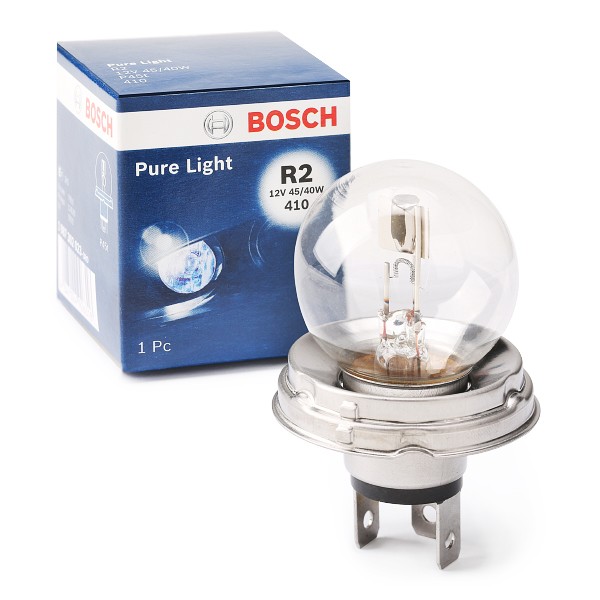
BOSCH Light Bulbs RENAULT,FIAT,PEUGEOT 1 987 302 023 Bulb, spotlight
£2.18
From AUTODOC
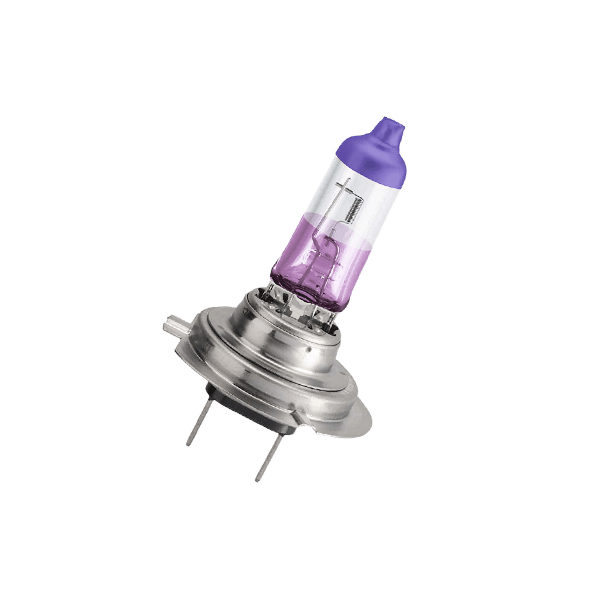
BOSCH Light Bulbs VW,AUDI,MERCEDES-BENZ 1 987 302 082 Bulb, spotlight
£9.33
From AUTODOC
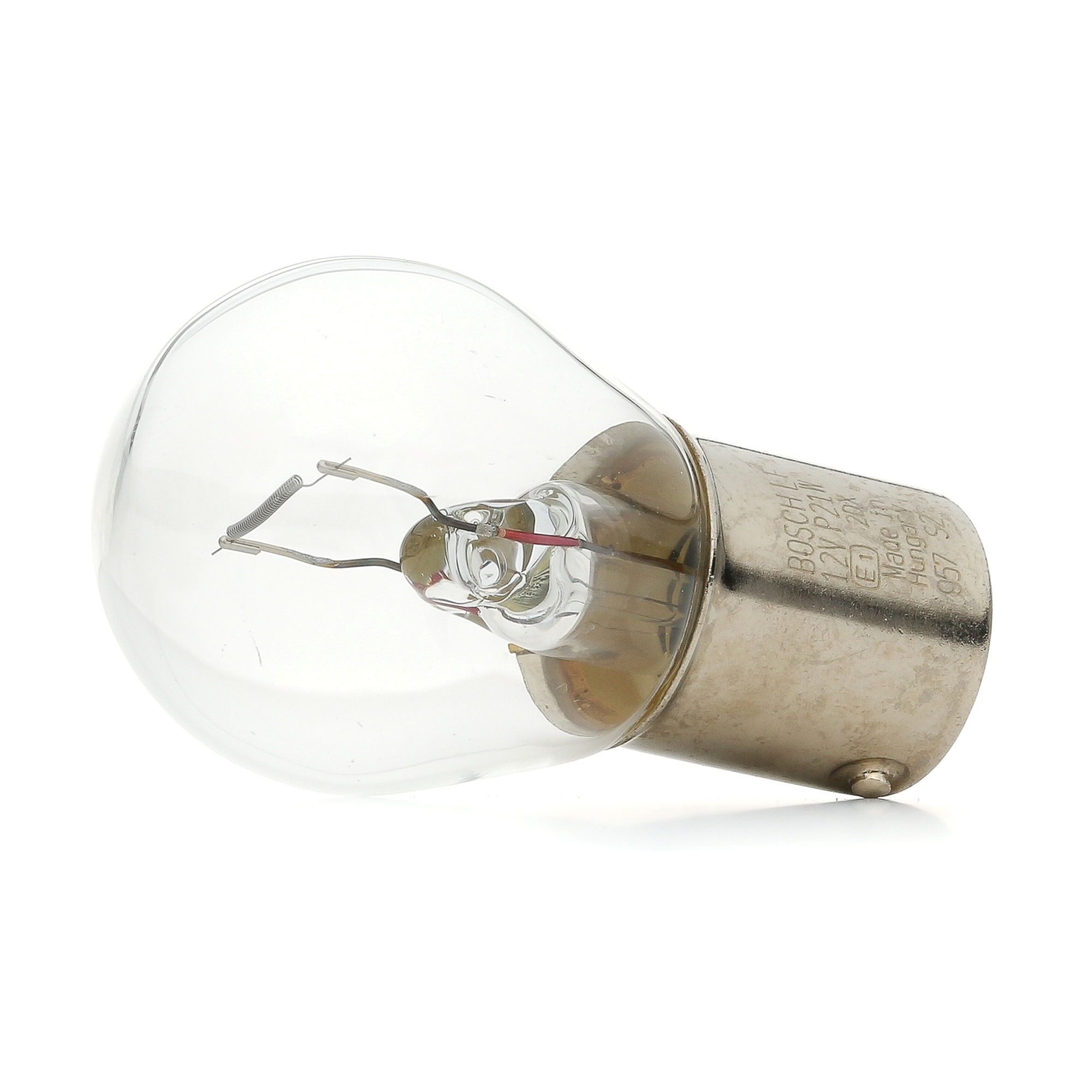
BOSCH Light Bulbs VW,AUDI,MERCEDES-BENZ 1 987 302 201 Bulb, indicator
£0.63
From AUTODOC
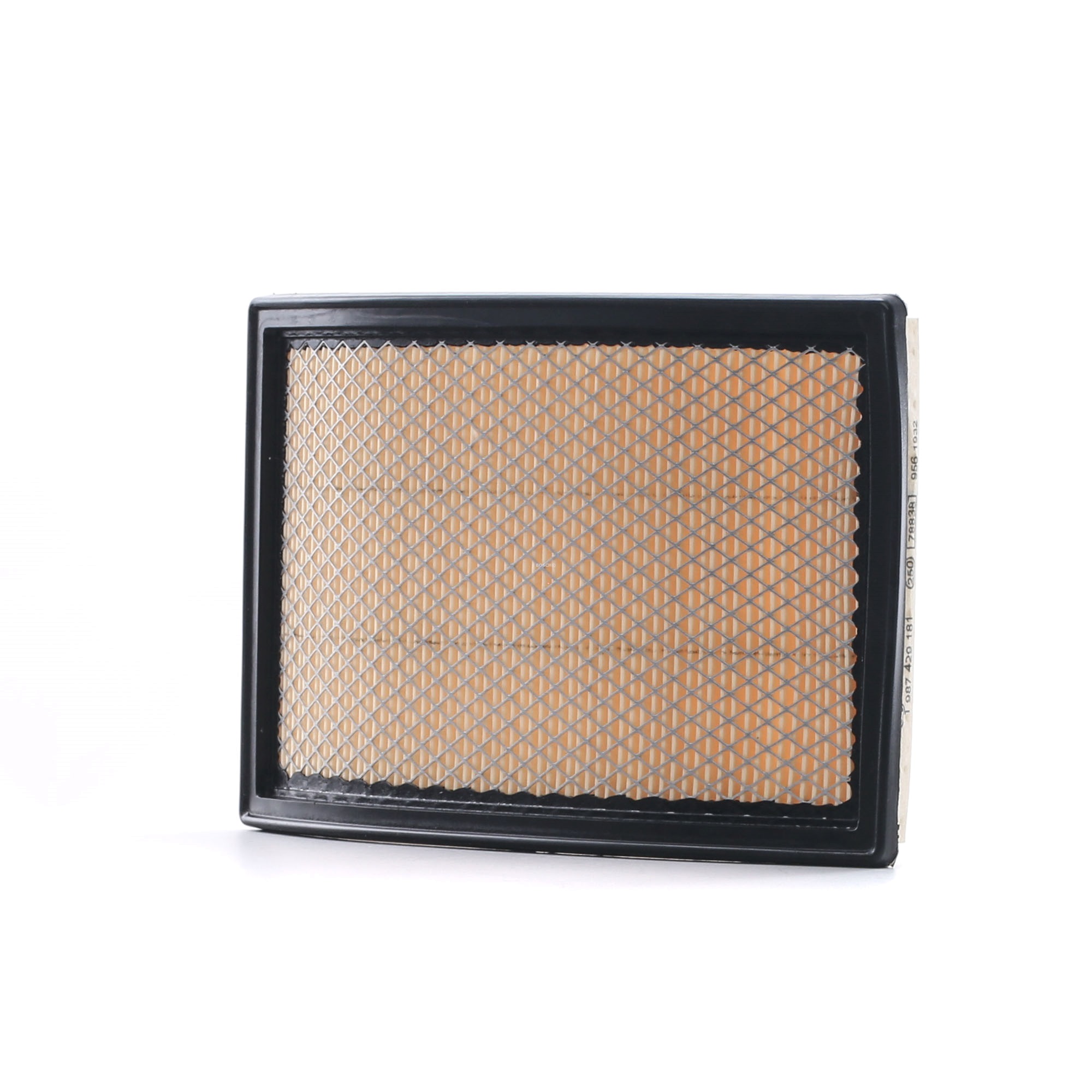
BOSCH Air filter MINI 1 987 429 181 13721491749,13721491749 Engine air filter,Engine filter
£7.70
From AUTODOC
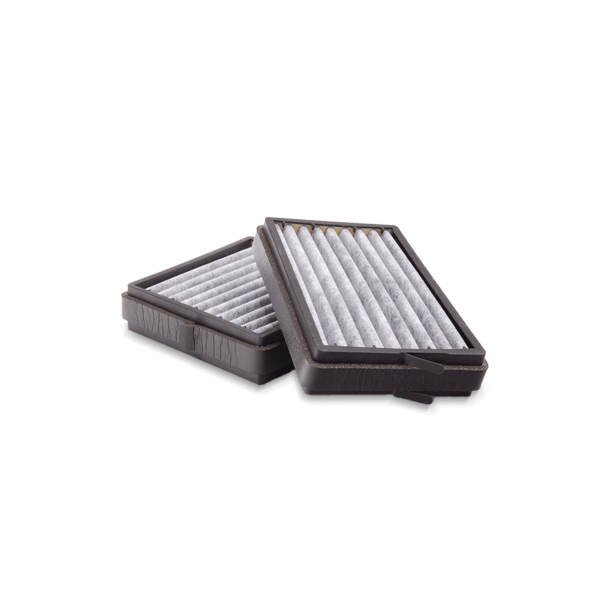
BOSCH Air filter OPEL,SAAB,CADILLAC 1 987 429 193 93185452,55557597,12786800 Engine air filter,Engine ...
£10.58
From AUTODOC
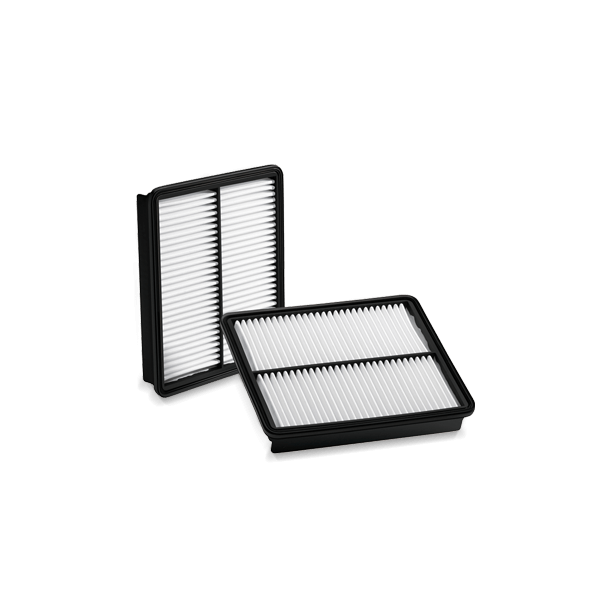
BOSCH Pollen filter OPEL,VAUXHALL 1 987 432 010 09200067,1808602,52056627 90360171,90383627,90486282,90590568,9200067,93182435,09200067,52056627
£9.35
From AUTODOC
BOSCH Pollen filter OPEL,SUZUKI,SUBARU 1 987 432 066 09207486,09196805,4705463 4708106,9196805,93188572,9586078F10,9586078F00,9586078F000,9586078F10
£9.74
From AUTODOC
BOSCH Pollen filter PEUGEOT,CITROËN,DS 1 987 432 079 6447NT,6447NV,6447TL 647975,6479 ...
£8.69
From AUTODOC